The best voice cloning software depends on what you are trying to protect and produce. A creator correcting two sentences in a video needs a different workflow from a studio making a multilingual audiobook. A team handling confidential recordings may put local processing ahead of a hosted model's best demo. And a developer may prefer direct access to an open model over any polished app.
This guide compares products you can use from a Mac or Windows computer in 2026. It covers OpenVox AI, ElevenLabs, Descript, Fish Audio, and a do-it-yourself open-source stack. We publish OpenVox, so we have a commercial interest in one of the options. The recommendations below are based on documented capabilities, deployment model, pricing structure, and workflow fit, not an invented head-to-head listening score. We also give you a test that can decide which one sounds best for your speaker and script.
The short answer
| Best for | Pick | Why | Watch for |
|---|---|---|---|
| Private, offline generation | OpenVox AI | Runs supported models on your Mac or Windows PC after download; one-time Pro upgrade | Speed and quality depend on your hardware and chosen model |
| Hosted, trained clone of your own voice | ElevenLabs | Instant and Professional cloning paths; mature generation tools | Professional cloning requires your own verified voice and an eligible plan |
| Fixing narration inside a video edit | Descript | AI Speakers work inside a transcript-driven editor | Choose it for the editing workflow, not for local-only processing |
| Fast hosted clone from a short clip | Fish Audio | Browser workflow and short-reference voice creation | Check current usage and commercial-rights limits before publishing |
| Maximum control over code and models | Qwen3-TTS or Chatterbox | Direct access to model weights and inference code | You own installation, compatibility, updates, and support |
These are use-case recommendations, not an objective sound-quality ranking. No published benchmark covers every app, checkpoint, reference clip, language, and machine under identical conditions. If voice identity is your deciding factor, run the listening test later in this article.
What you are actually buying
“Voice cloning” can mean two different processes. In reference-conditioned or instant cloning, a model uses a short recording to guide generation. It does not necessarily train a dedicated model for that person. In trained cloning, a service fine-tunes a voice model using substantially more recordings. ElevenLabs explicitly distinguishes these approaches: its Instant Voice Cloning uses a short sample, while Professional Voice Cloning trains a dedicated model and requires a Creator plan or above. Its guidance suggests about 1 to 2 minutes of clean speech for instant cloning and 30 to 180 minutes for the professional path. Source: ElevenLabs cloning guide.
Neither method guarantees an accurate impersonation. The output depends on the sample, language, text, checkpoint, generation settings, and how much you value identity versus natural delivery. A model can sound beautifully natural while barely resembling the target speaker. Another can match the timbre but mispronounce names or drift over a long passage. That is why voice similarity and speech quality must be judged separately. For a deeper recording and troubleshooting workflow, read our open-source voice cloning guide.
How we evaluated the options
We checked each vendor's current product documentation and pricing pages as of November 2026. We assessed five practical factors: where the reference and generated audio are processed; whether the workflow fits Mac and Windows; how quickly a usable clone can be made; what surrounds generation, such as editing or model control; and how usage and licensing are charged. We did not assign numerical audio-quality scores without a controlled test across the same speakers and scripts. Vendor examples and model-card benchmarks are useful evidence about a model, but they are not a fair cross-product listening experiment.
1. OpenVox AI: best for local privacy and predictable cost
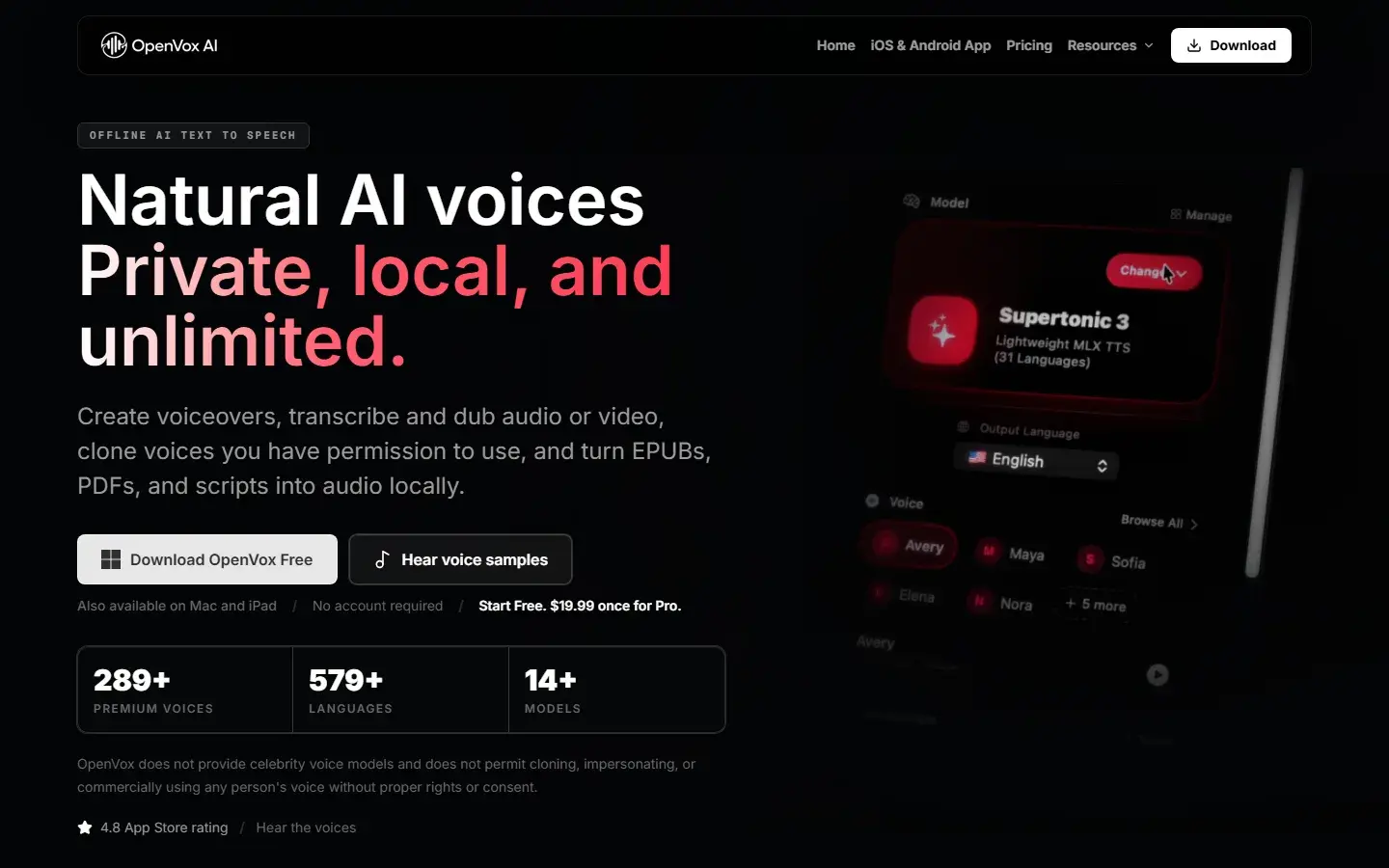
OpenVox AI is a desktop voice-production app for Mac and Windows. Once you download a supported model, speech generation and cloning run on your device. Your reference sample and script are not sent to a hosted transcription or voice-generation service for the core cloning workflow. This is the meaningful advantage if you work with unreleased scripts, client recordings, or a voice you do not want to upload. It also works without an internet connection after the selected model is installed. An optional OS-level transcription assistance workflow may have different platform behavior, so review that setting separately if strict offline operation matters to you.
OpenVox is not one voice model. You can select among local model families with different strengths. The Qwen3-TTS Base path is a strong starting point for reference cloning and multilingual testing; its upstream repository documents the Base checkpoints' reference-audio-plus-text method. Chatterbox Multilingual is worth testing for expressive delivery and cross-language work. VoxCPM2 and MOSS TTS 1.5 offer other fidelity and control tradeoffs. The compact options may suit lighter hardware, while heavier models may require more memory and patience. On Windows, additional specialist choices include Ming 3.0 TTS 0.5B and FireRedTTS3. Ming is coming soon to Mac, not currently available there.
The free tier gives you 5,000 characters per day and three custom voice clones. Pro is $19.99 once per platform and removes the daily character limit. The main limitation is that local does not mean effortless: you must download a model, use suitable hardware, and compare models yourself. A cloud service can sometimes deliver a more polished result for a particular voice. OpenVox is the better fit when privacy, local ownership of the workflow, and repeatable cost are non-negotiable. See the current Free and Pro details and the Mac or Windows guides.
2. ElevenLabs: best for a hosted, trained clone of your own voice
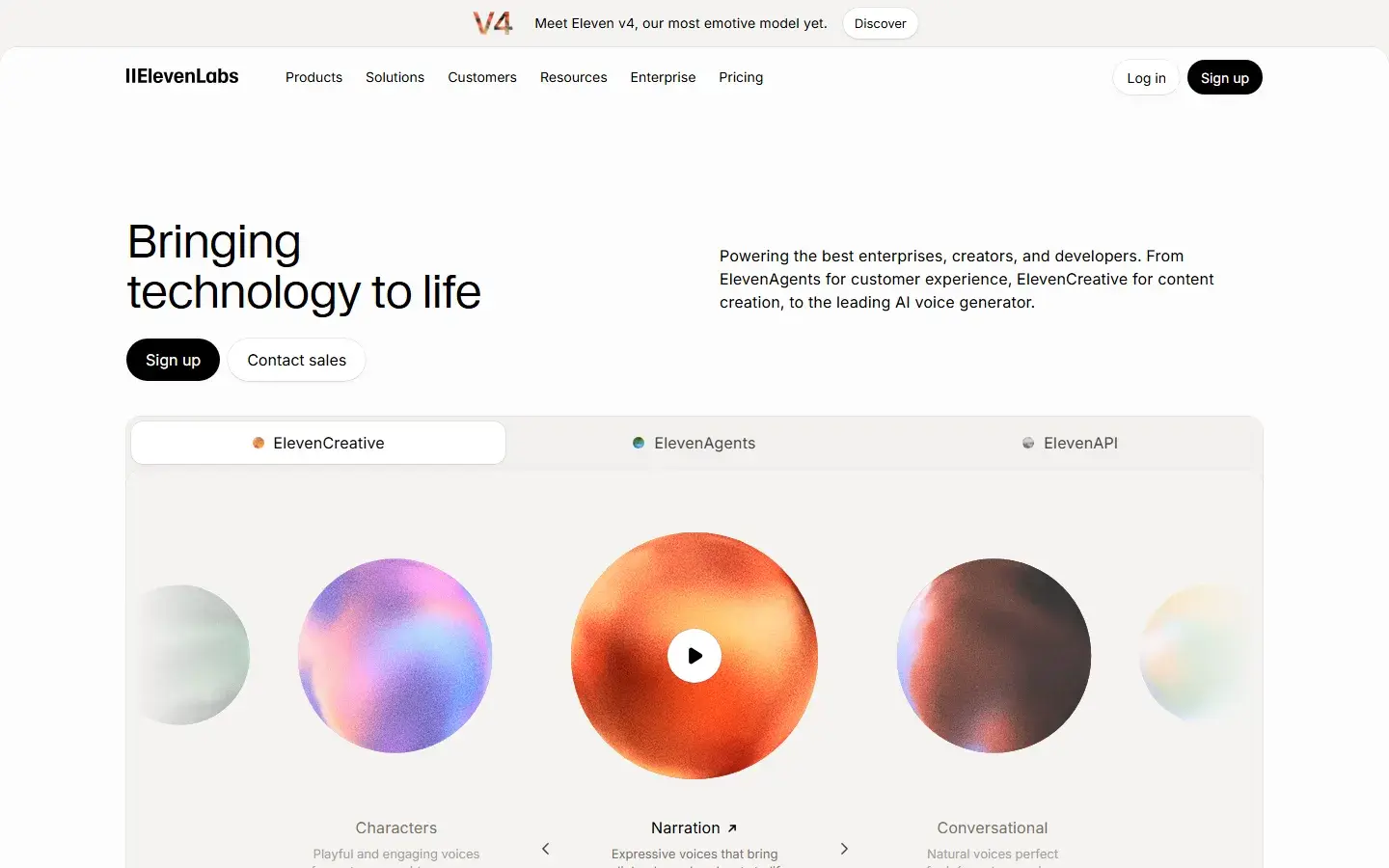
ElevenLabs is the most compelling option here when you want a managed cloning service and are comfortable uploading samples. Instant Voice Cloning is quick, while Professional Voice Cloning fine-tunes a model using much more recorded material. The latter can be particularly useful if an instant clone does not preserve a distinctive accent or timbre. ElevenLabs also has an established browser-based generation workflow and API.
There are important constraints. Professional Voice Cloning is only for your own verified voice. ElevenLabs says you cannot create a Professional Voice Clone of someone else even with their consent; that person must create and verify it on their own account, then share it with you. Instant Voice Cloning asks users to confirm rights and consent. Its cloned voices remain in the account rather than being exportable as standalone model files, although they can be used through its API. The current pricing page puts Instant Voice Cloning on Starter and Professional Voice Cloning on Creator, both recurring credit-based plans. Source: voice ownership policy; pricing.
Pick ElevenLabs if you want a hosted production service, especially for a carefully recorded clone of your own voice. Do not pick it if your project requires the reference, script, and generated audio to remain on one computer, or if recurring usage charges conflict with your production volume.
3. Descript: best when cloning is part of editing
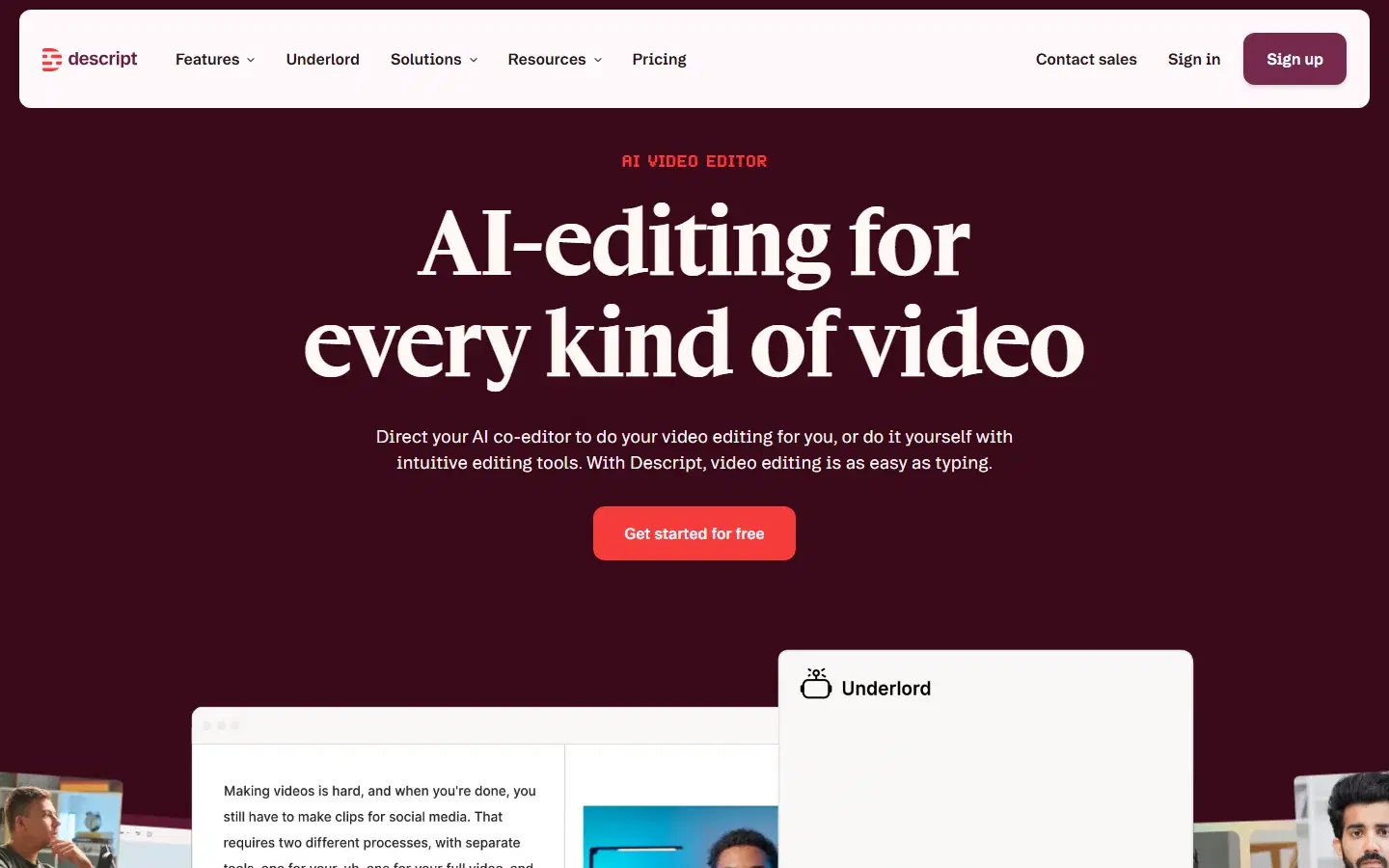
Descript is an editor first. Its AI Speakers can generate speech from a custom clone of your own voice or a stock voice, inside a workflow built around transcripts, video, and podcast edits. That makes it particularly practical for replacing a line after a recording, correcting a flub without a new recording session, or keeping narration consistent while revising a video. Descript says an AI Speaker can be created from as little as 30 seconds of audio, subject to its consent workflow. Its desktop app supports current Mac and Windows versions. Source: Descript Speakers help; desktop requirements.
This is not a substitute for an offline local-cloning setup. The reason to choose it is the surrounding editor, not model portability or local-only processing. Its plans also bundle broader video and AI features, so the economics may make sense for an editor who uses them daily and less sense for someone who only needs speech files. Check the current plan limits before committing a large narration project.
4. Fish Audio: best for a quick hosted clone from a short sample
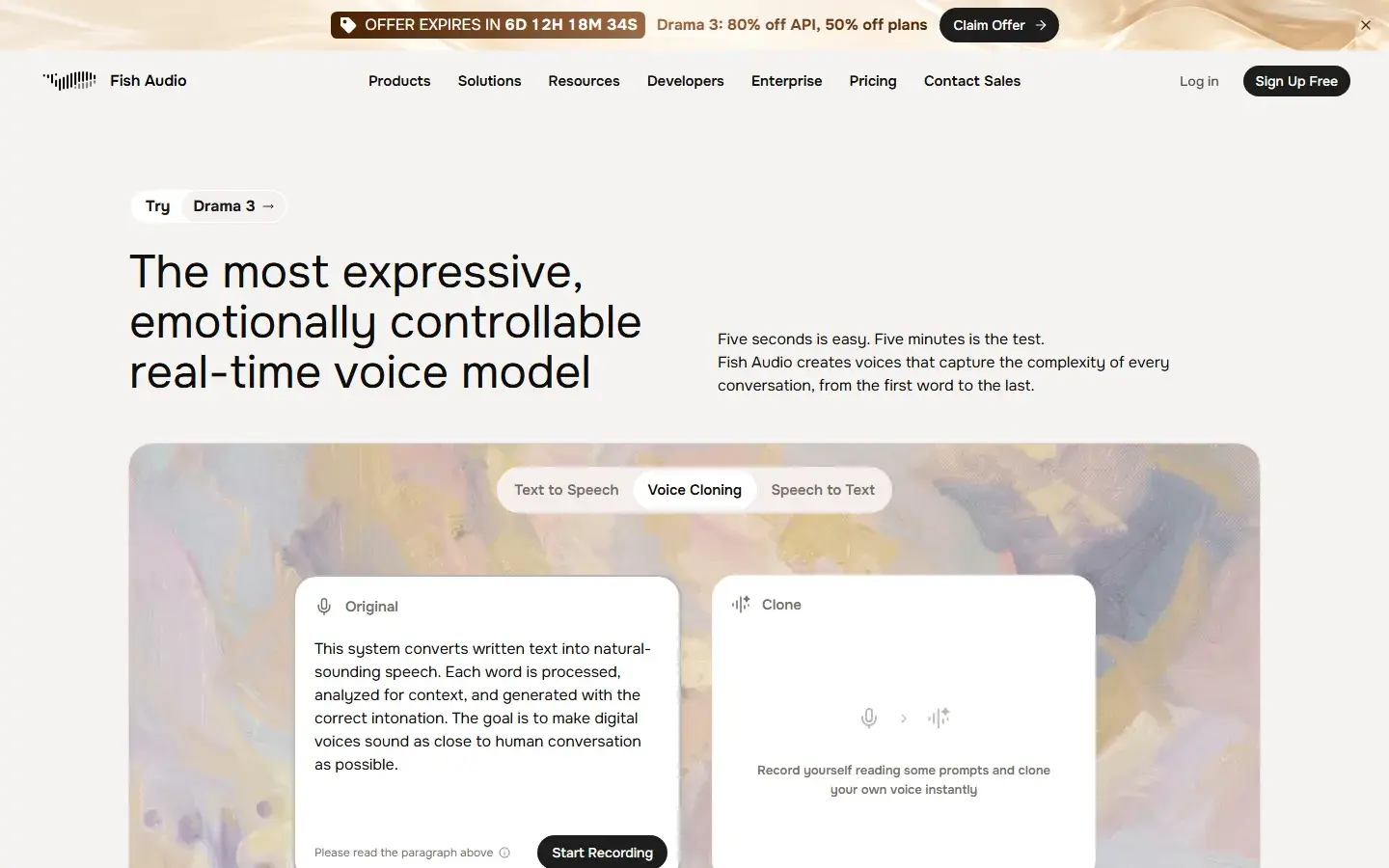
Fish Audio emphasizes low-friction creation: its current voice-clone page says a clean 10-second clip can create a voice in seconds. It is a useful comparison candidate when you want to test a hosted clone quickly, browse voices, or build through its API. Its service runs online, so uploading a reference and generating remotely are part of the tradeoff. Source: Fish Audio voice cloning.
Separate a free experiment from a publishable production workflow. Fish Audio's own site says its free plan is for personal use and paid plans are needed for commercial rights. Verify the current terms, permitted voice rights, and usage allowances for your account before monetizing an output. Short-sample claims also describe the minimum input, not a promise that every accent, emotion, or long-form passage will match well. Source: Fish Audio plans.
5. Qwen3-TTS or Chatterbox: best for a do-it-yourself local stack
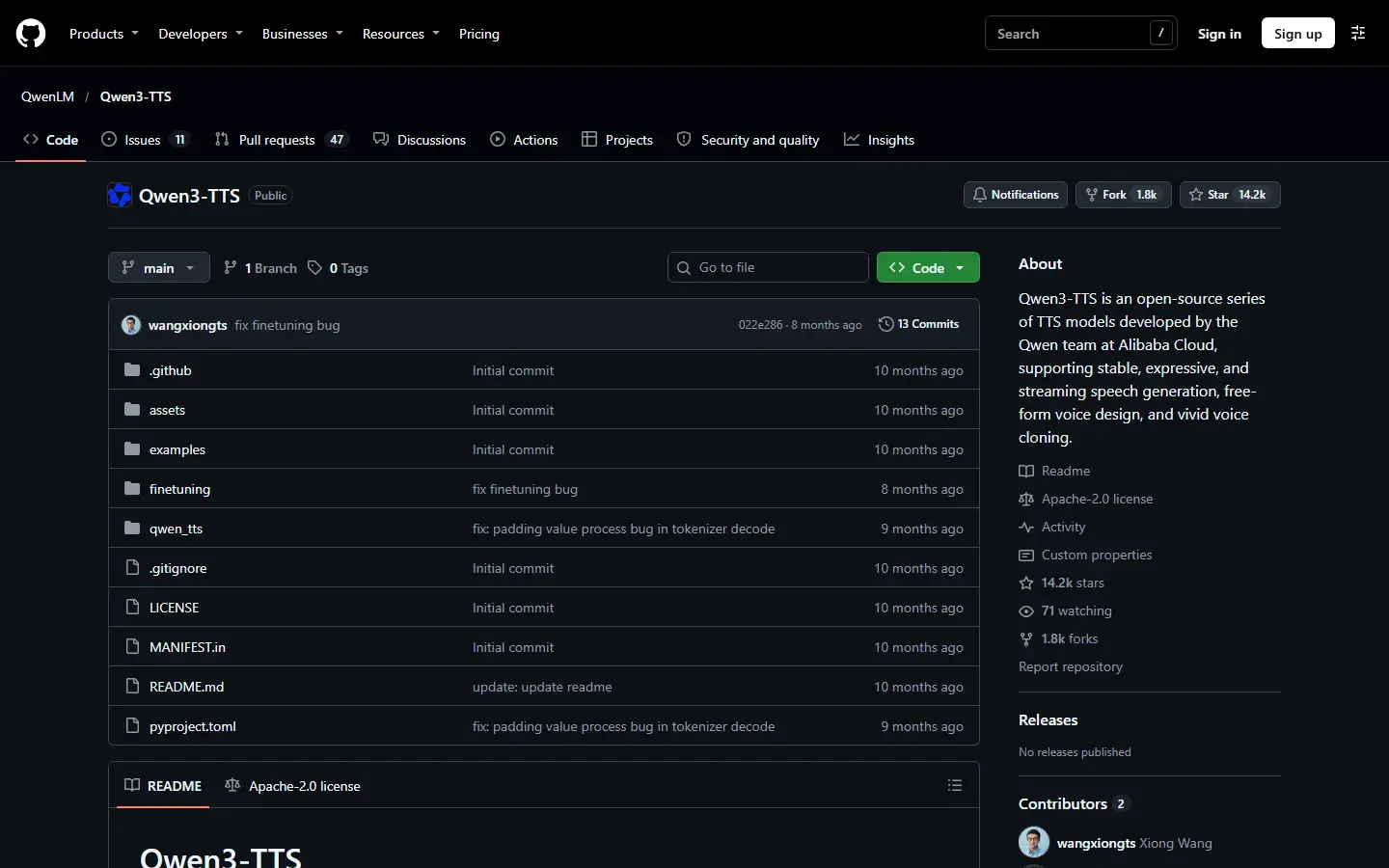
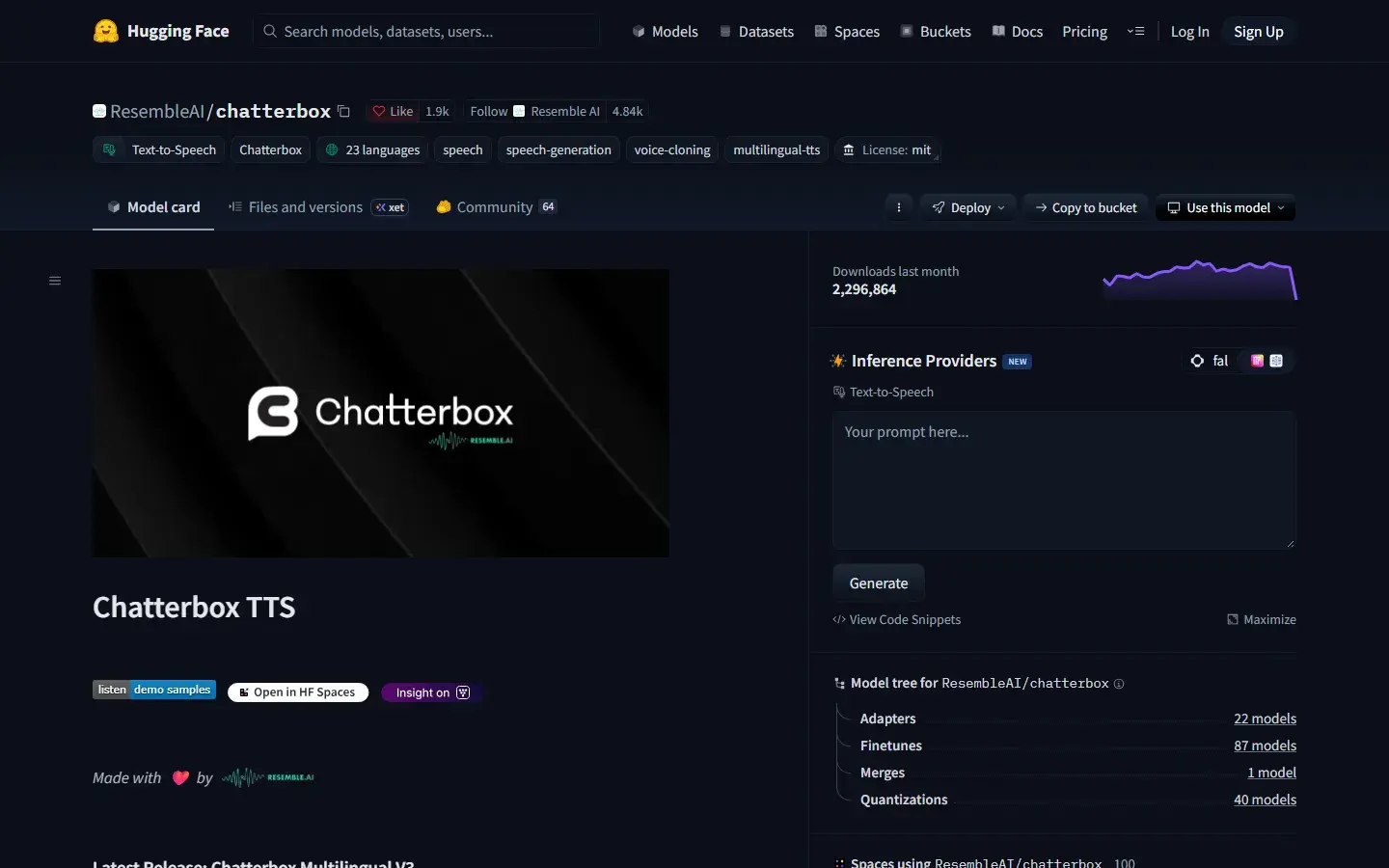
If you are comfortable with Python, model downloads, audio preprocessing, and GPU or CPU compatibility, running an open-source model directly offers the most implementation control. Qwen3-TTS's official project documents voice cloning with its Base checkpoints, using reference audio and a matching transcript. Do not assume its CustomVoice checkpoints perform the same operation. Chatterbox's public model card documents an MIT-licensed multilingual model with 23 languages and downloadable weights. Source: Qwen3-TTS repository; Chatterbox model card.
The catch is the engineering work. A model repository is not a finished desktop product: you need to select a checkpoint, install compatible dependencies, handle reference clips and text, manage memory, and build export and revision tools yourself. For developers, that control can be the point. For a creator trying to finish a voiceover, a maintained app may save more time than the model license saves money. Read our benchmark explainer before treating any model-card number as a universal app ranking.
One correction to older comparison lists: Resemble AI's commercial voice-generation product is no longer available to new customers. Its official notice says the company now focuses on detection, watermarking, and security. The Chatterbox research models remain open, but that is not the same as buying a current Resemble voice-cloning service. Source: Resemble product notice.
How to compare voice quality without fooling yourself
A demo that sounds excellent with a vendor's chosen voice tells you little about your speaker. Run the same controlled test in each tool you are seriously considering. You do not need a laboratory, but you do need a consistent reference and more than one sentence.
- Get explicit permission. Record only your own voice or one you have the rights and consent to use. Keep that permission documented for commercial projects.
- Prepare a clean reference. Use one speaker, a quiet room, consistent microphone distance, and no music or reverb. Follow each product's stated duration and format guidance. Do not feed every model the same length if it violates its own recommendations.
- Use an identical test script. Include ordinary narration, proper nouns, numbers, a question, dialogue, a long sentence, and words from every target language. Keep the text out of the reference recording.
- Generate three takes. Random variation can make one lucky sample look like a system-wide advantage. Do not cherry-pick one product's best take against another's first.
- Score four separate dimensions. Rate speaker resemblance, intelligibility and pronunciation, natural pacing and emotion, and consistency across a 2 to 3 minute passage. Use a 1 to 5 rubric and note errors, not just preferences.
- Record the real workflow cost. Include setup time, model download, generation time, re-renders, editing, upload requirements, export options, and what you would pay for your actual monthly volume.
For a blind comparison, rename the output files before listening and ask two people familiar with the speaker to rate them independently. This will not turn a subjective judgment into a scientific benchmark, but it will expose identity drift, mispronunciation, and long-form instability that a five-second showcase hides. If the project is multilingual, score each target language separately. A good English clone is not evidence of a good German or Hindi clone.
Mac and Windows buying checks
Platform support on a pricing page is not the same as good performance on your computer. For OpenVox on Mac, check that you have an Apple Silicon machine running macOS 15 or later; Intel Macs are not supported. On Windows, the minimum is Windows 10 or 11 on x64 with 8 GB RAM, while 16 GB is recommended. CPU generation is available, and supported NVIDIA CUDA or AMD ROCm hardware can accelerate compatible workflows. Confirm the specific model's memory needs before committing to a long project. See the hardware requirements and our AMD Radeon guide.
For hosted services, your computer does less inference work, but you still need a supported editor and a reliable connection. Descript's current desktop download page specifies macOS 14 or Windows 11 and newer. ElevenLabs and Fish Audio can be evaluated in a browser on either platform. When comparing turnaround time, include the first model download for a local tool and upload time plus service latency for a hosted one. For repeat work, measure the second and tenth job as well as the first. Source: Descript desktop requirements.
Privacy, rights, and the real cost of “unlimited”
Local generation changes where your data goes, not whether you need the right to use a voice. Never clone a celebrity, colleague, client, or family member without the necessary permission, and never use a clone to impersonate someone deceptively. For paid work, document the speaker's authorization, intended uses, duration, revocation terms, and whether the recording can be reused for future projects. Our voice-cloning ethics and privacy guide covers the broader considerations.
Likewise, “unlimited” can refer to different things. A local app with no per-character Pro limit is still bounded by your computer's time and storage. A hosted subscription may include monthly credits, voice slots, usage policies, or different commercial rights by plan. Compare the cost of finishedminutes, including rejected takes and revisions. A creator generating two short clips a month may value a hosted service's convenience more than a one-time fee. An audiobook producer with repeated revisions may value local generation much more. Neither answer follows from the advertised price alone.
Which should you choose?
Choose OpenVox AI if keeping reference audio and scripts local is the priority and you want to compare multiple models on Mac or Windows without a recurring generation bill. Choose ElevenLabs when a hosted, verified clone of your own voice and its managed tools are worth a subscription. Choose Descript when you primarily need to repair or extend speech inside an existing video or podcast edit. Choose Fish Audio when a fast browser-based trial from a short clip matters most. Choose Qwen3-TTS or Chatterbox directly when you want to build and maintain the pipeline yourself. Then run the same test script through your top two choices before deciding.
Frequently asked questions
Can I clone a voice offline on both Mac and Windows?
Yes. OpenVox supports local voice-cloning workflows on Mac and Windows after you download a compatible model. Which checkpoint is available and how fast it runs depend on the platform and hardware. A do-it-yourself open-source stack is another option if you can maintain it.
How much reference audio do I need?
There is no universal minimum. Qwen3-TTS documents rapid reference-based cloning; Fish Audio advertises a short-clip path; ElevenLabs recommends roughly 1 to 2 minutes of clean audio for its instant method and much more for its trained method. Quality and consistency matter more than simply adding noisy minutes.
Does a cloned voice work in every language?
No. Language coverage belongs to the selected speech model, not to cloning as a generic feature. Cross-language generation can preserve some voice characteristics while changing accent or pronunciation. Test the exact language and script you intend to publish.
Can I clone someone else's voice if they say yes?
Consent is essential, but a platform may impose stricter rules. For example, ElevenLabs restricts Professional Voice Cloning to the account holder's own verified voice and provides a sharing workflow for another speaker. Check the specific tool's policy and your rights agreement before recording or publishing.
Is there one objectively best-sounding app?
Not across every speaker, language, reference, and use case. Published model benchmarks can compare defined test sets, but they do not automatically predict a packaged app's output on your material. A short blind test with your own permitted reference is the more useful final check.
Sources and update note
Product claims and plan distinctions were checked against the official ElevenLabs cloning documentation, ElevenLabs pricing, Descript Speakers help, Descript pricing, Fish Audio voice cloning, Fish Audio plans, Qwen3-TTS repository, Chatterbox model card, and Resemble's discontinuation notice. Prices, model availability, and terms can change. Check the linked source before a purchase or commercial release. Updated November 6, 2026.