

OpenVox Reader
Private audio reading
Listen privately. Read everywhere.
Turn reading time
into listening time.
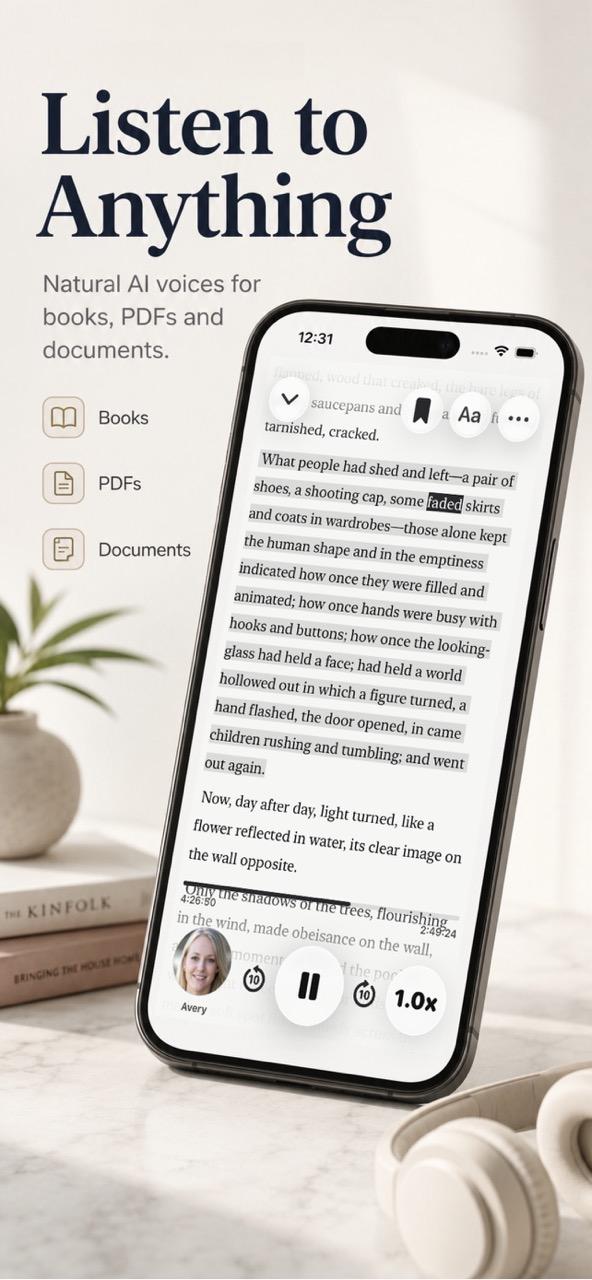
Transform books, PDFs, documents, web links and text into natural-sounding audio, then keep reading while you commute, walk, rest or work.
Almost anything, out loud
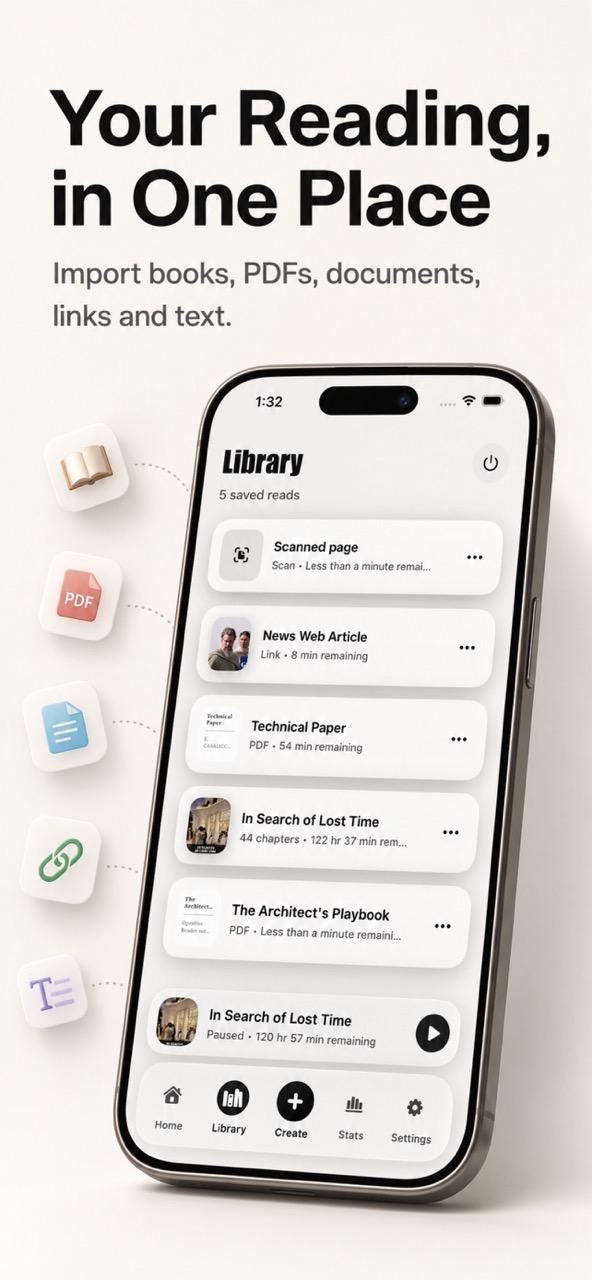
All your reading in one simple library.
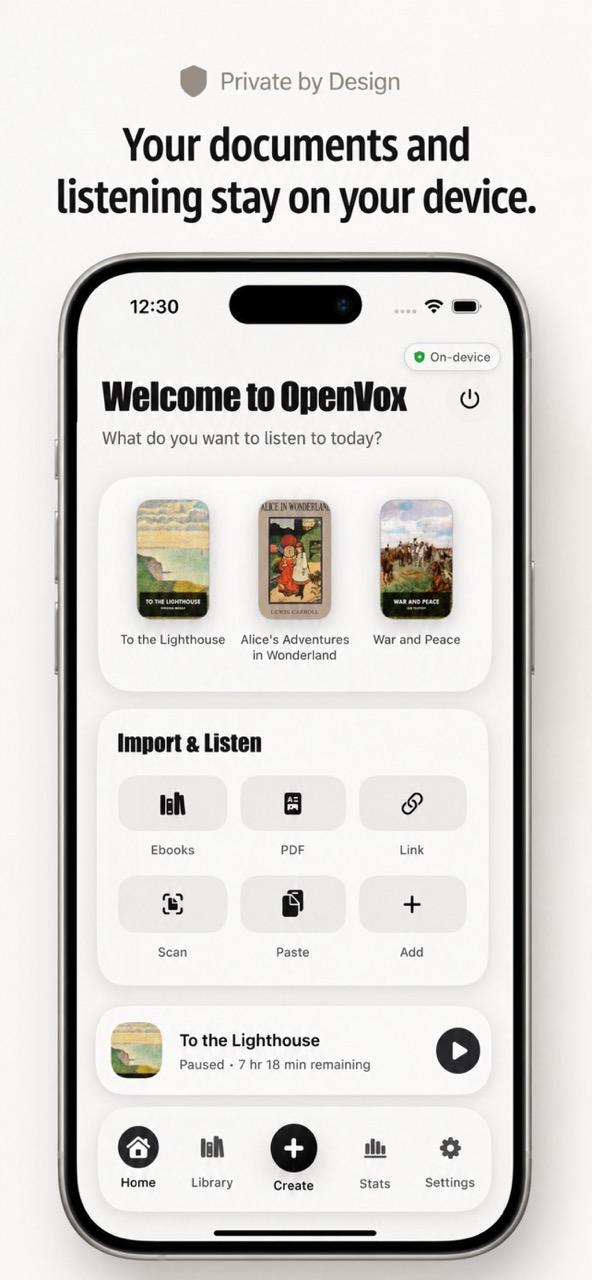
Import the things you already want to read. OpenVox Reader turns them into a calm, organized listening library.
Ebooks & PDFs
Documents & text
Web links
Printed pages
Paste or type text directly, then press play.
Natural voices
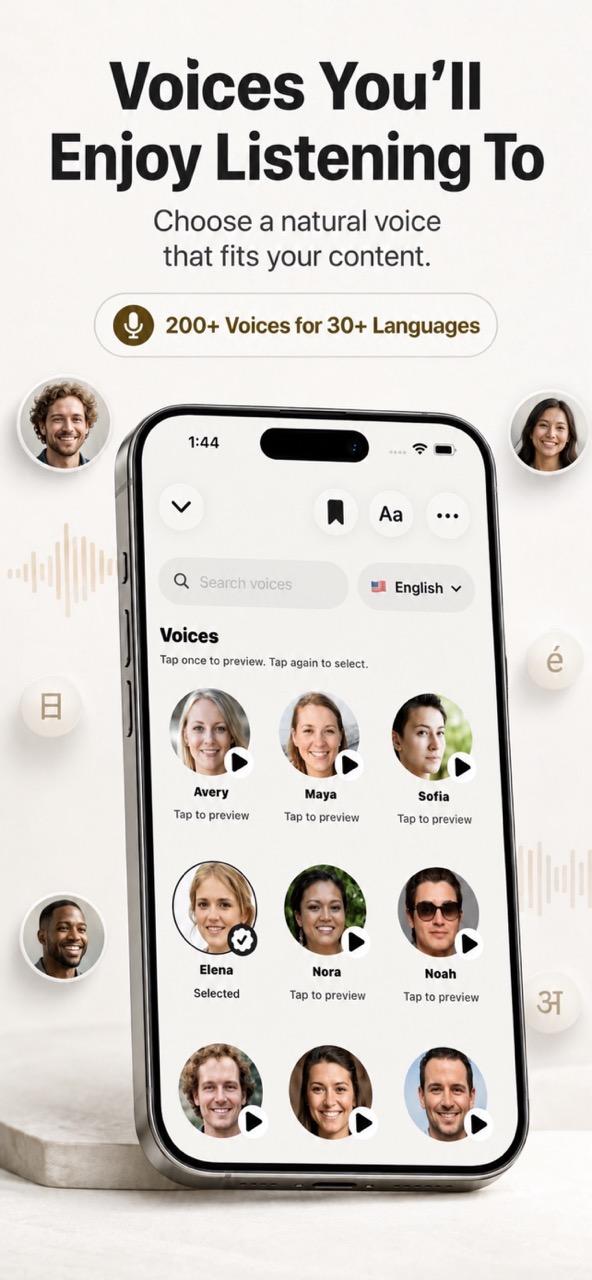
200+ voices across 30+ languages.
Find a voice that suits your book, article or document, then set a listening speed that feels right.
Offline
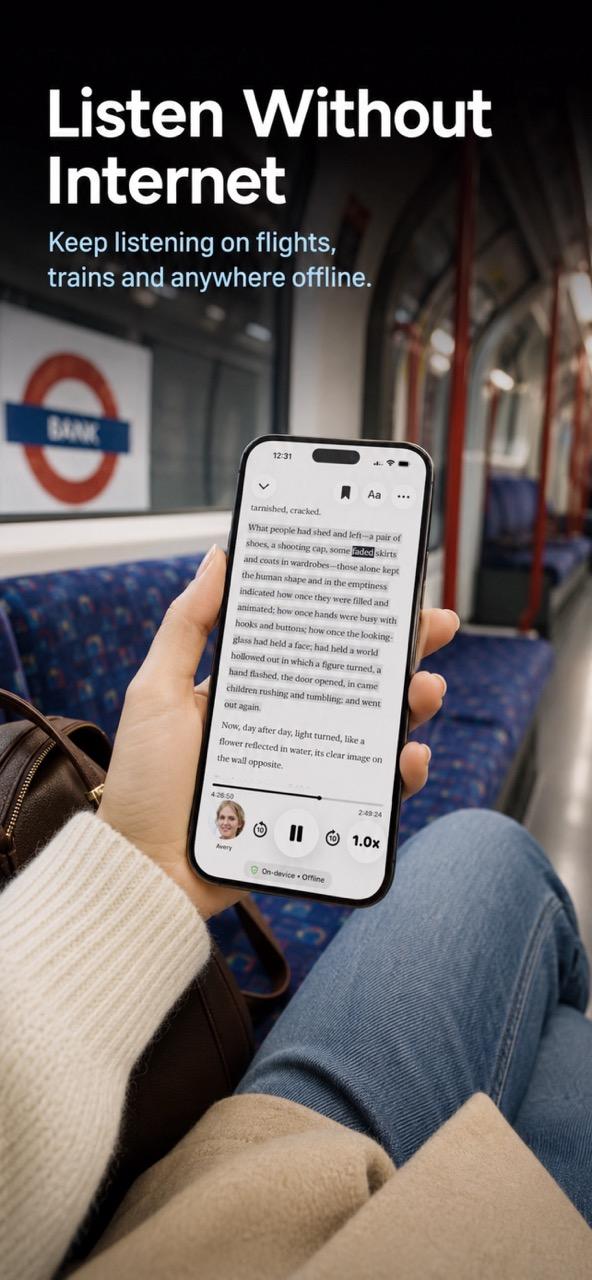
Keep listening anywhere.
Private by design
Documents stay on your device.
Your reading journey
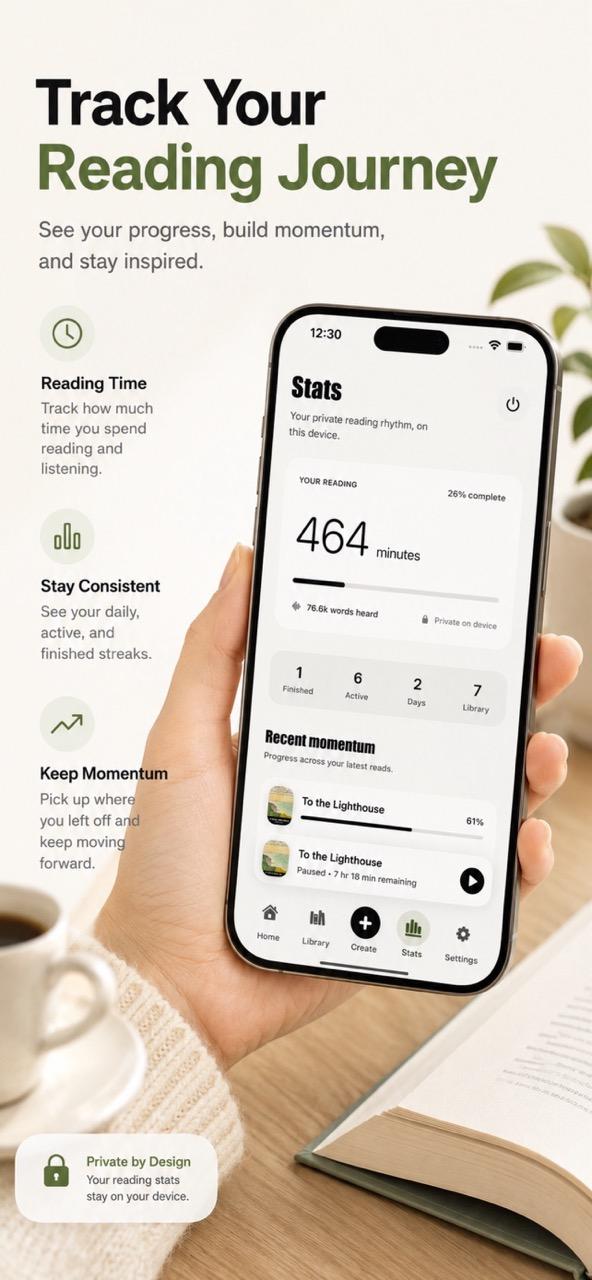
Build momentum you can see.
Listening time · Daily progress · Reading streaks · Recently opened
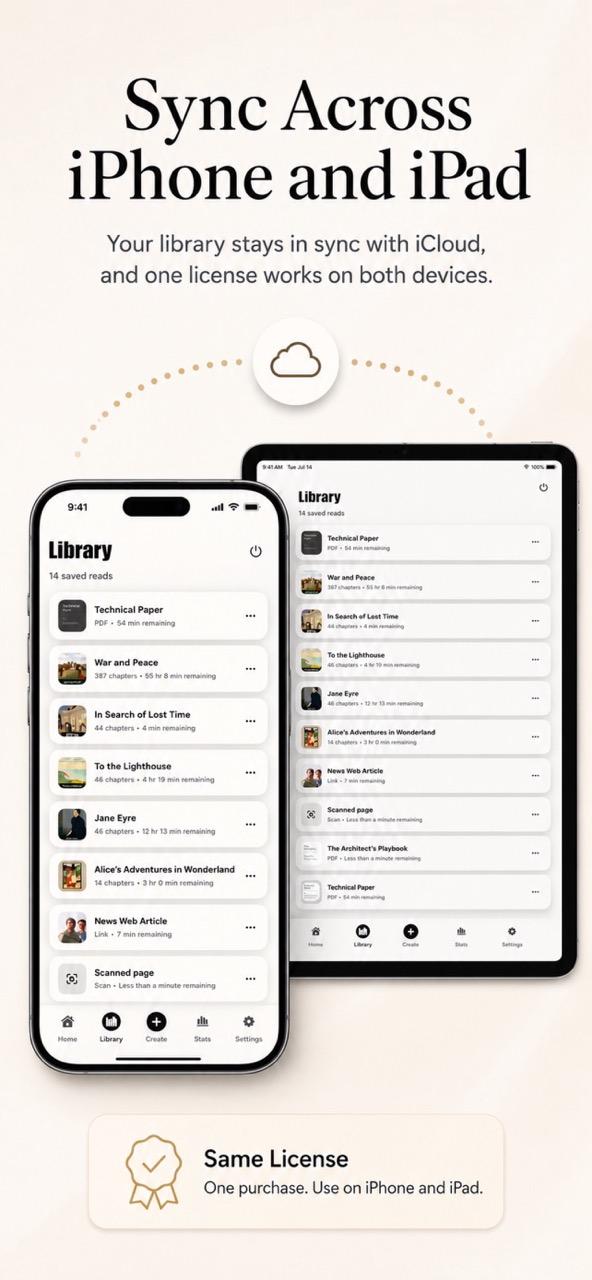
Read and listen on iPhone, iPad, and Android.
Download OpenVox Reader from your device's app store. On iPhone and iPad, iCloud sync can keep your library up to date across Apple devices.
Frequently asked questions
Helpful details before you start listening.
What can I listen to with OpenVox Reader?
You can import ebooks, PDFs, supported documents and text files, web links, scanned printed pages, or text that you paste or type directly.
Does OpenVox Reader work offline?
Yes. An internet connection is required to download the on-device AI voice model. After it is installed, speech generation and playback can work offline. Internet access is still needed to retrieve web links and use platform sync features.
Are my books and documents uploaded?
No. Speech generation and document processing happen on your device. Your imported books, documents, listening history, and reading activity are not uploaded to OpenVox Reader servers.
Which devices support OpenVox Reader?
OpenVox Reader is available for iPhone and iPad through the App Store and for compatible Android devices through Google Play.
Does iCloud sync work on Android?
No. iCloud sync is available between supported iPhone and iPad devices signed in to the same Apple Account. Android availability does not include iCloud sync.
Does my OpenVox AI license include OpenVox Reader?
No. OpenVox AI and OpenVox Reader are separate apps with separate licenses and purchases.
Does one Reader license work across iPhone, iPad, and Android?
A Reader purchase made through the App Store can be restored on both iPhone and iPad when you use the same Apple Account. Android uses a separate Google Play purchase, and purchases do not transfer between the App Store and Google Play.
How do I restore a Reader purchase?
Choose Restore Purchases in OpenVox Reader settings while signed in to the account used for the original purchase. Use the same Apple Account on iPhone and iPad, or the same Google Account on Android.
Need more help? Visit the OpenVox Reader support page.