Step 1
Select text anywhere
Use the global Select and Read shortcut in compatible Mac apps.

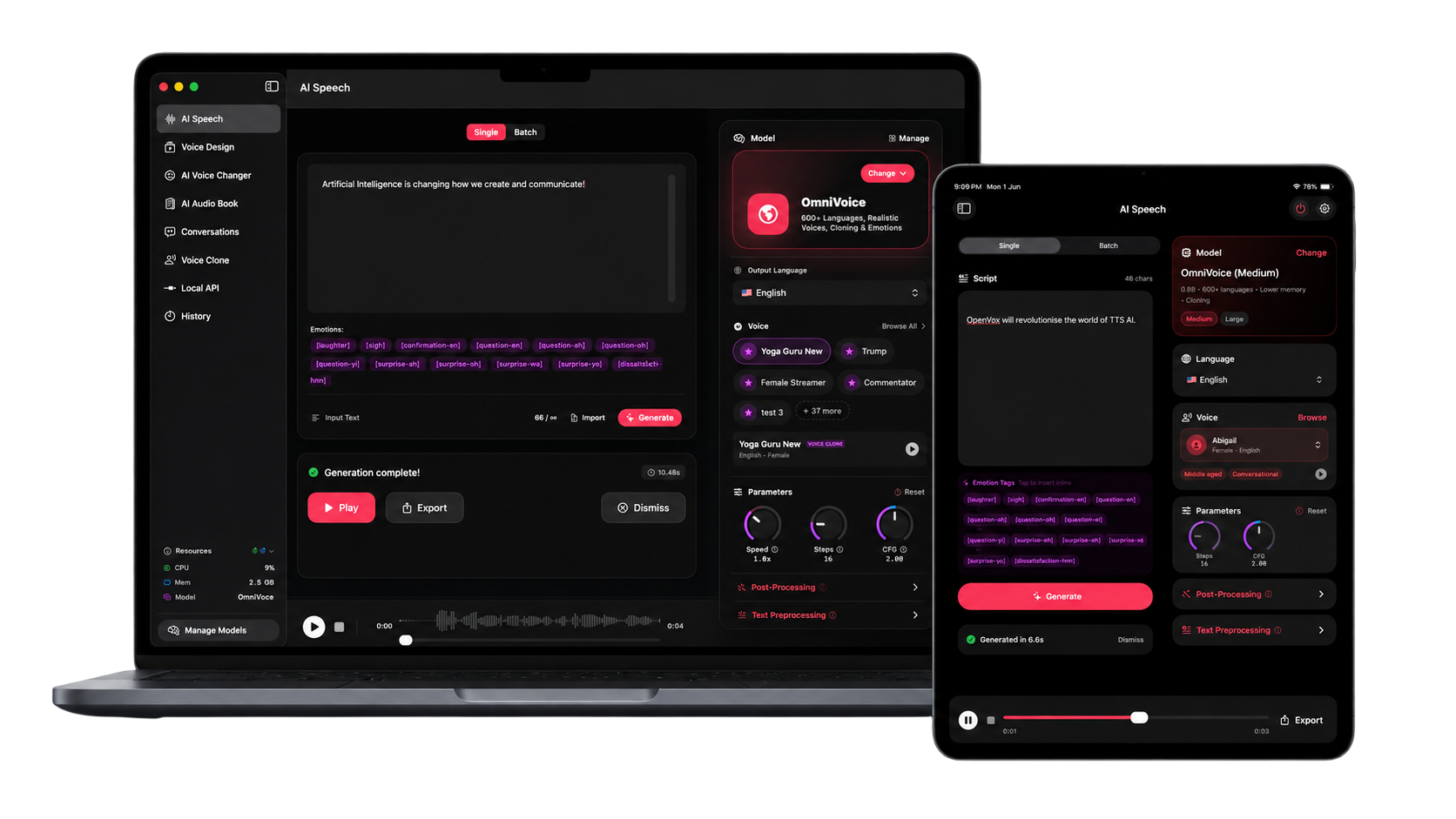
Text to speech for Mac
Generate natural speech, use Select and Read, build audiobooks, and clone permitted voices on Apple Silicon without cloud inference.
No account required · 10,000 free characters daily · Pro is $19.99 once per platform
Designed for Apple workflows
Apple
Silicon optimized
⌥ S
Select and Read
Local
Private speech
Mac + Windows
Highlight text on your Mac or Windows PC and hear it instantly.
Use the Select & Read shortcut shown in OpenVox to hear selected text with 200+ Supertonic voices across 30+ languages. Smart Numbers & Dates improves the pronunciation of dates, prices, percentages, and decimals.
How it works
Step 1
Use the global Select and Read shortcut in compatible Mac apps.
Step 2
Choose the voice, model, and speed from the compact player.
Step 3
Listen while writing, reviewing, researching, or editing.
Why OpenVox AI
Run supported models locally with hardware acceleration on modern Macs.
Listen to selected text from your everyday Mac workflow.
Move from a short script to a full audiobook without changing apps.
Private local processing
Your scripts, voice samples, and generated audio never leave your device for core AI voice processing.
Common questions
The current Mac version is designed for Apple Silicon Macs.
Yes. No account is required for the free or Pro app.
Yes. Select and Read turns selected text into speech from supported Mac workflows.