Step 1
Download for Windows
Install the free Windows x64 app without creating an account.

Offline TTS for Windows
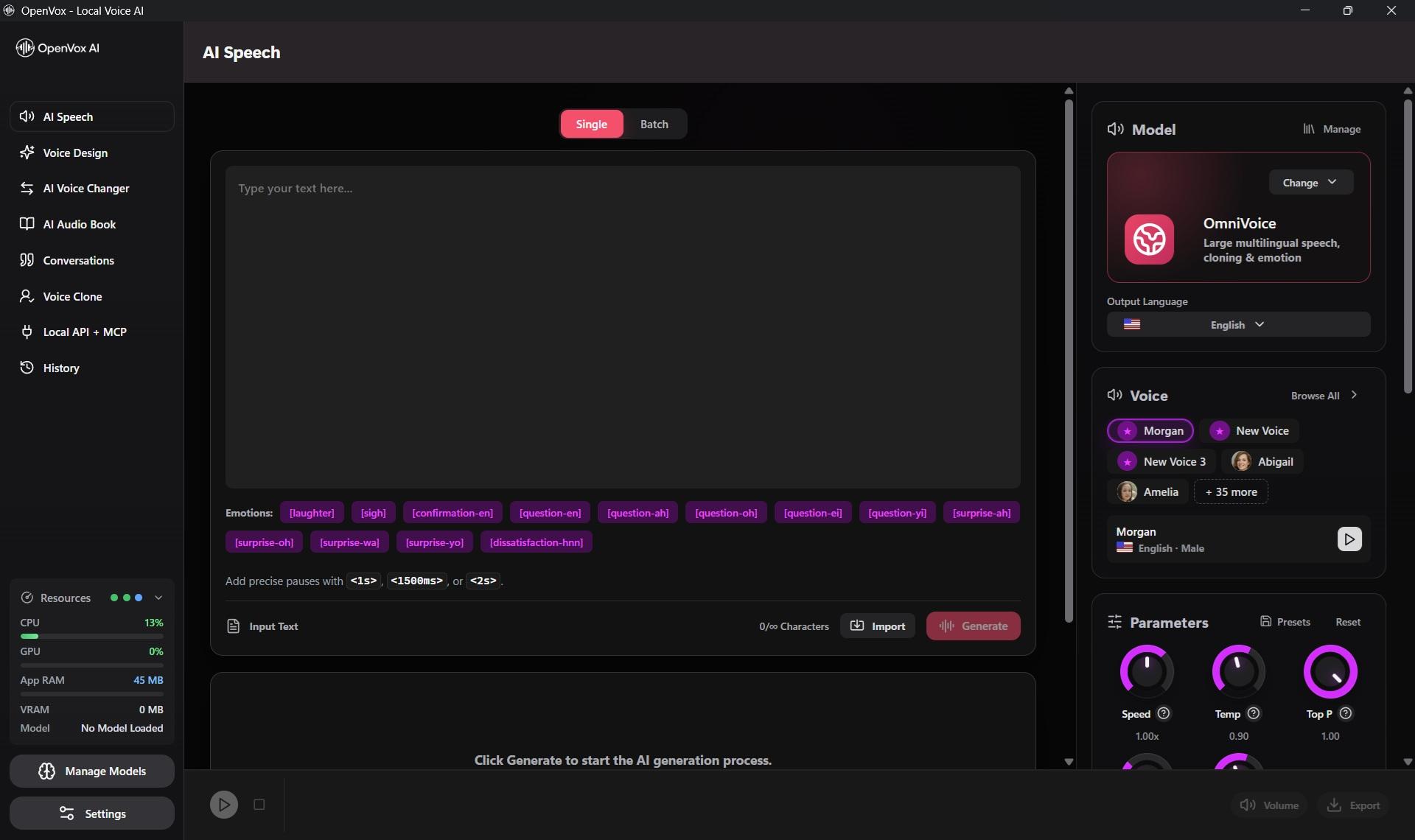
Use Select and Read, create speech and audiobooks, and run voice workflows locally on Windows without sending your text to a hosted TTS provider.
No account required · 10,000 free characters daily · Pro is $19.99 once per platform
Private Windows voice studio
x64
Windows support
Local
API and MCP
$19.99
Pro once
Mac + Windows
Highlight text on your Mac or Windows PC and hear it instantly.
Use the Select & Read shortcut shown in OpenVox to hear selected text with 200+ Supertonic voices across 30+ languages. Smart Numbers & Dates improves the pronunciation of dates, prices, percentages, and decimals.
How it works
Step 1
Install the free Windows x64 app without creating an account.
Step 2
Choose a lightweight or premium local voice model.
Step 3
Upgrade once for unlimited Pro generation on Windows.
Why OpenVox AI
Highlight text in compatible Windows apps and hear it with local AI voices.
Connect apps, automations, and compatible AI agents to OpenVox AI.
Buy Pro for Windows once and receive the activation key by email.
Private local processing
Your scripts, voice samples, and generated audio never leave your device for core AI voice processing.
Common questions
Your key is emailed after purchase. In OpenVox, use Upgrade to Pro, then Restore Purchase/Buy Pro.
Some lightweight models can run on CPU. Faster hardware improves generation speed.
Yes. OpenVox for Windows supports both NVIDIA and AMD GPU runtimes: NVIDIA RTX GPUs use CUDA, and compatible AMD Radeon GPUs use ROCm. Both runtimes accelerate supported models locally on your Windows PC. CPU generation is also available.
Core voice generation runs on your PC after the selected model is downloaded.
Yes. Select and Read is available for compatible workflows on both Windows and Mac.
Run Qwen3-TTS, OmniVoice, VibeVoice, and Chatterbox on AMD Radeon
Use AMD ROCm with OpenVox for Windows to run local TTS and voice cloning. Compare four popular models, check Radeon compatibility, and improve performance.
Read guideHow to Run Local TTS Without a GPU on Low-End Systems
A practical CPU-only TTS guide led by Supertonic 3, with PocketTTS and Kokoro alternatives for modest hardware.
Read guide