

A reader app can become part of your day surprisingly quickly. A saved article fills the commute. An EPUB becomes something you can listen to while cooking. A long PDF finally gets read. Then the renewal arrives, and you start asking whether this small, useful habit really needs another monthly or annual bill.
If you are looking for an ElevenReader alternative or a Speechify alternativebecause you are tired of subscriptions, start with OpenVox Reader. It is available on iOS and Android, reads your own content using on-device speech generation, and offers an optional lifetime purchase. The appeal is straightforward: a reader you can keep using without a scheduled subscription renewal.
Published by OpenVox. Pricing checked October 1, 2026 using the official pages linked below. All cost examples use US dollars; your store, taxes, and offers can change the amount you pay.
Why switch from a subscription reader?
Paying for a reader makes sense when its features earn their place in your routine. The question is which features you actually use. If most sessions begin with “open this PDF and press play,” you may be paying for a wider platform than you need. If you regularly use an audiobook catalog, browser integrations, or AI study tools, the subscription may still be good value.
For a focused listening habit, a one-time purchase changes the calculation. A month when you read less does not feel like wasted subscription time, and returning to a half-finished book does not require restarting a paid plan. With local speech generation, you can also make listening less dependent on a network connection.
Cost comparison: OpenVox Reader vs ElevenReader vs Speechify
The US App Store listing shows OpenVox Reader Pro Lifetime at $14.99. ElevenReader’s pricing page lists Ultra at $11 monthly or $99 annually. Speechify’s pricing page currently displays Premium at $29 monthly and advertises a yearly billing discount.
The table includes ElevenReader’s annual option to show the difference billing makes. The Speechify row uses its advertised monthly rate, not its lowest possible annual or promotional offer. Check your own renewal price before deciding how much switching would save.
| App and plan | Billing used | 1-year total | 3-year total |
|---|---|---|---|
| OpenVox Reader Pro | $14.99 once · US App Store | $14.99 | $14.99 |
| ElevenReader Ultra | $99/year · annual billing | $99.00 | $297.00 |
| ElevenReader Ultra | $11/month · monthly billing | $132.00 | $396.00 |
| Speechify Premium | $29/month · monthly billing | $348.00 | $1,044.00 |
Three years of the listed paid plans
At those rates, three years of ElevenReader Ultra with annual billing costs $297. Subtract the $14.99 Reader purchase and the difference is $282.01. Three years of Speechify at the displayed monthly rate totals $1,044, a difference of $1,029.01. These are calculated savings for the listed scenarios, rather than a promise about every customer’s bill.
The Reader price in this calculation is verified for the US App Store. On Android, check the lifetime unlock price shown in Google Play or inside the app. App Store and Google Play purchases are separate; buying Reader on one store does not unlock it on the other. An Apple purchase can be restored on iPhone and iPad using the same Apple Account. See Reader purchase and restore help.
Do you need a paid plan at all?
A subscription alternative does not have to mean buying something immediately. ElevenReader’s free plan includes 10 hours of text-to-audio each month. OpenVox Reader’s free experience includes 15 listening minutes each day. That daily allowance is useful for trying an article or a few pages before making a purchase.
If your reading is occasional, a free tier may already cover it. If you listen through entire books or long work documents, Reader’s Pro unlock removes its daily listening limit. Try your own content first: a voice that works beautifully for fiction may handle technical terms, names, or your preferred language differently.
OpenVox Reader as an ElevenReader alternative
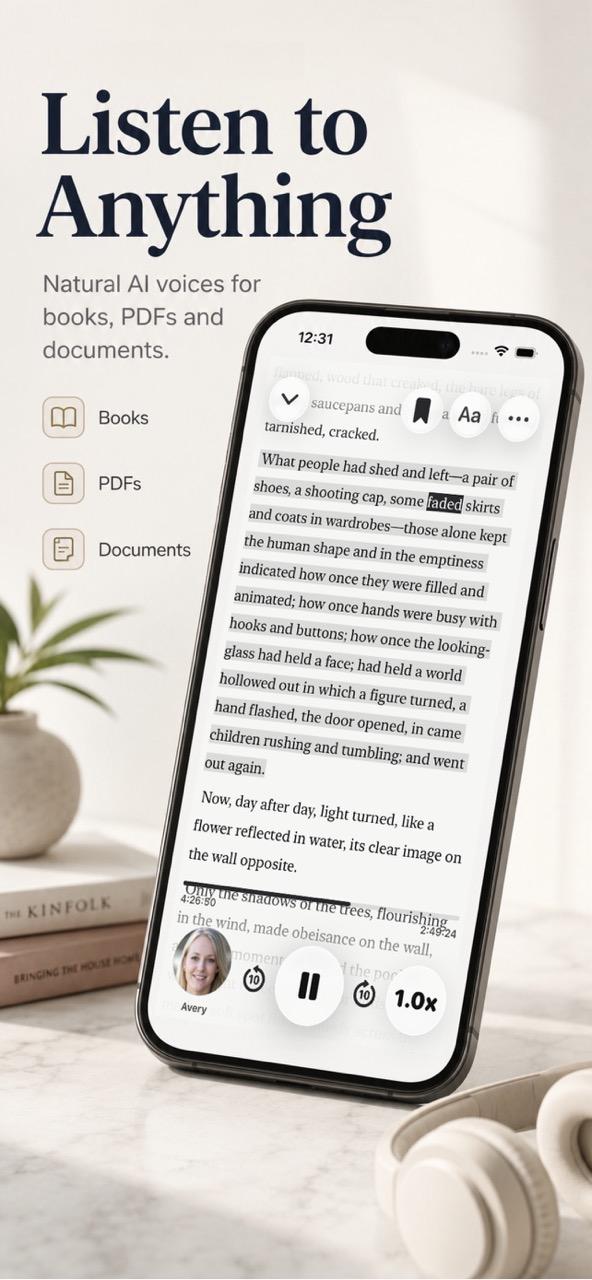
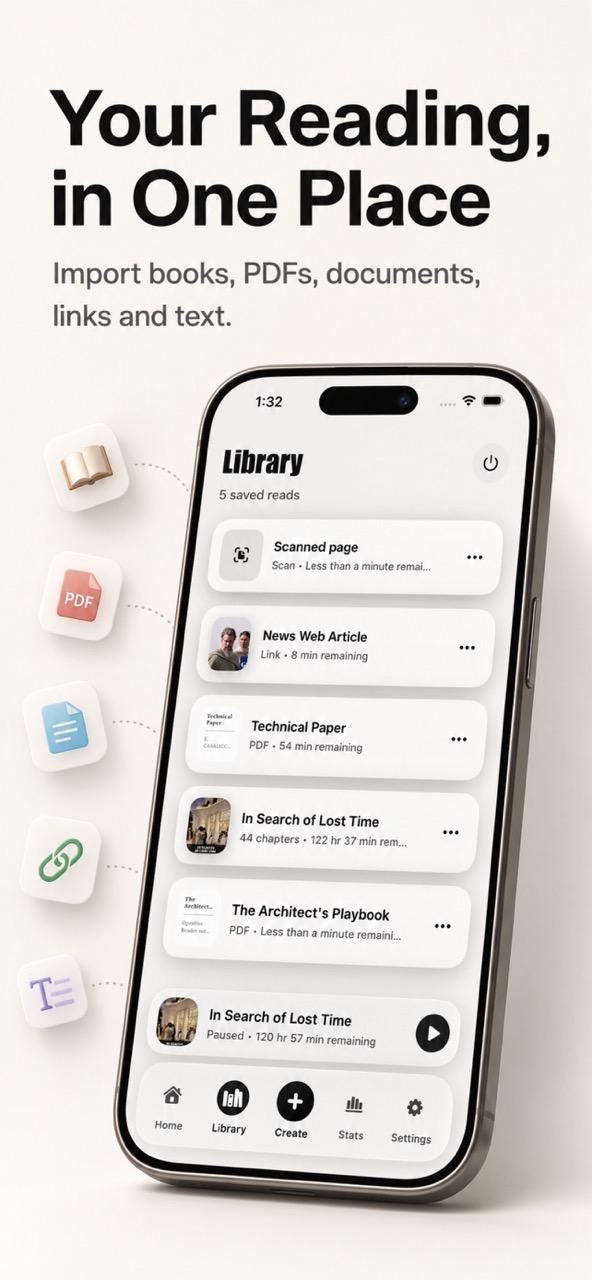
OpenVox Reader is a strong candidate when your priority is listening to material you already have. It supports importing books, PDFs, supported documents, web links, scanned pages, and pasted text into a personal reading library. Its mobile reader workflow keeps the focus on choosing a voice and continuing through that material.
ElevenReader has a different reason to stay on your shortlist: its Ultra subscription includes access to a premium audiobook catalog. That has value if discovering and listening to published audiobooks is a large part of your usage. Reader’s lifetime cost comparison is most relevant to reading your own imports; it does not replace a bundled catalog of professionally narrated books.
OpenVox Reader as a Speechify alternative on iOS and Android
For someone seeking a Speechify alternative for iPhone or Android, Reader covers the central habit: bring in reading material, pick a narrator, adjust the speed, and listen. It is worth trying if that is the part of Speechify you use most and you would prefer a lifetime purchase.
Speechify’s Premium feature list also includes AI summaries, chats, voice typing, and cloud storage integrations. Those extras may justify its recurring cost for your workflow. Make the decision around the jobs you need the app to do, rather than assuming that the cheapest reader replaces every feature of a larger service.
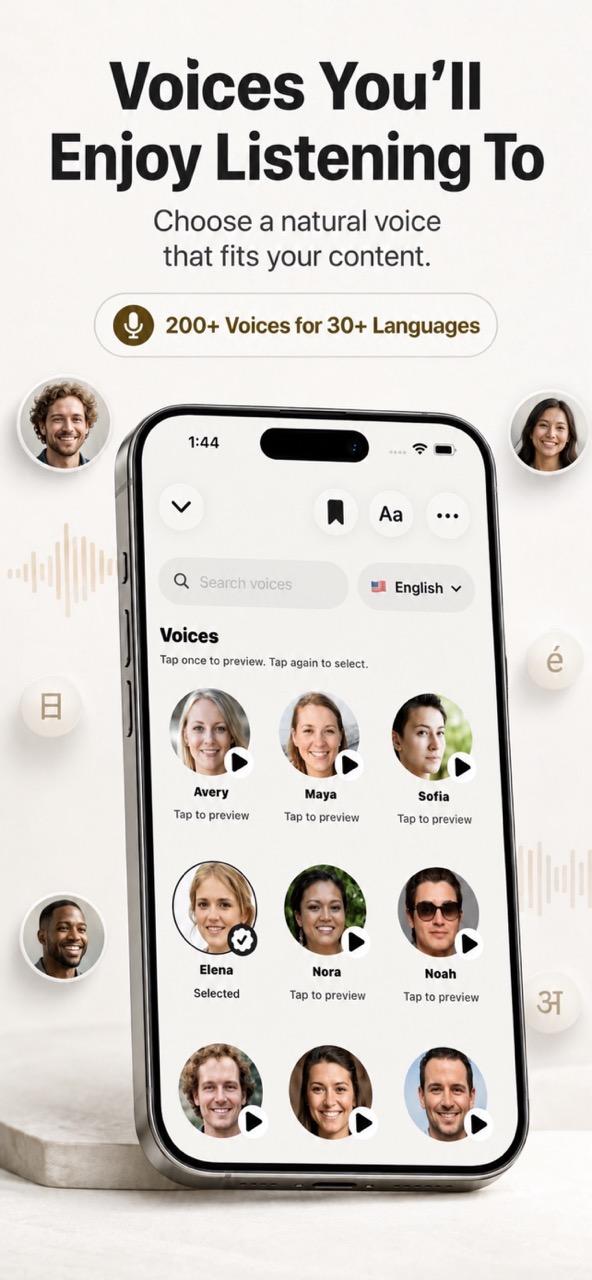
The iOS listing advertises 200+ voices across 30+ languages, adjustable playback, saved sentences, and document search. The range matters less than finding a narrator you enjoy for twenty minutes at a time. Test a passage with dialogue, an unfamiliar name, and a few longer sentences; that is more useful than judging a voice from a short welcome message.
Offline listening: check how the audio is made
“Works offline” can describe two different experiences. One is playing audio that was prepared while you had internet access. The other is generating new speech locally from an imported document. If you want to open a new chapter without preparing its audio in advance, that distinction matters.
OpenVox Reader’s support guide explains that, after the roughly 400 MB voice model is installed, speech generation and playback can work offline. You still need internet access to retrieve a web link or use iCloud sync. Local generation also uses your phone’s storage, processor, and battery, so test a longer session on the device you actually plan to use.
ElevenReader’s offline feature instead prepares downloads for later playback inside the app. That may suit a planned commute perfectly. Choose based on whether you want prepared offline audio or speech generated on your device as you read.
How to switch without losing your reading routine
- Install Reader on your phone. Use the App Store for iPhone or iPad, or Google Play for Android. Start with the free listening allowance.
- Download the voice model. Complete the initial setup while you have internet access and enough free storage.
- Import one familiar document. Use an original EPUB, PDF, supported file, or pasted article. Note your current chapter or page so you can continue from the same place.
- Compare a real session. Listen for pronunciation, comfortable speed, and how well the document’s reading order is preserved. Test offline playback once setup is complete.
- Decide on Pro and your old renewal. If Reader fits, choose its lifetime unlock and manage the existing subscription through the service or store that bills you.
Keep the original reading files when you move apps. Do not assume your previous library, bookmarks, or generated audio will transfer automatically. ElevenReader specifically does not support exporting audio files, so bring your source document into Reader rather than trying to move an in-app audio download.
Which OpenVox app should you choose?
Choose OpenVox Reader for iOS and Android when you want a mobile app for listening to books, PDFs, documents, and articles. It is the recommendation in this comparison, with its own lifetime Pro purchase and reading-focused interface.
Choose OpenVox AI when you need a broader voice-production workflow, such as desktop Select & Read, audio export, voice cloning, transcription, or a local speech API. It is a separate app with separate purchases. Our desktop Speechify comparison covers that use case.
If the recurring bill is what prompted your search, try Reader with something you genuinely want to finish. The best reason to switch is finding that your daily reading still works, the voice suits you, and the next renewal is one you no longer need.
Try OpenVox Reader on your phone
Bring one book, PDF, or article. Use the free daily listening allowance to see how it fits.