Step 1
Import or paste
Bring in a script, PDF, EPUB, or text document.

iPad AI voice generator
Use compatible local voice models for narration, reading, and permitted voice cloning without uploading your content.
No account required · 10,000 free characters daily · Pro is $19.99 once per platform
On-device voice creation for iPad
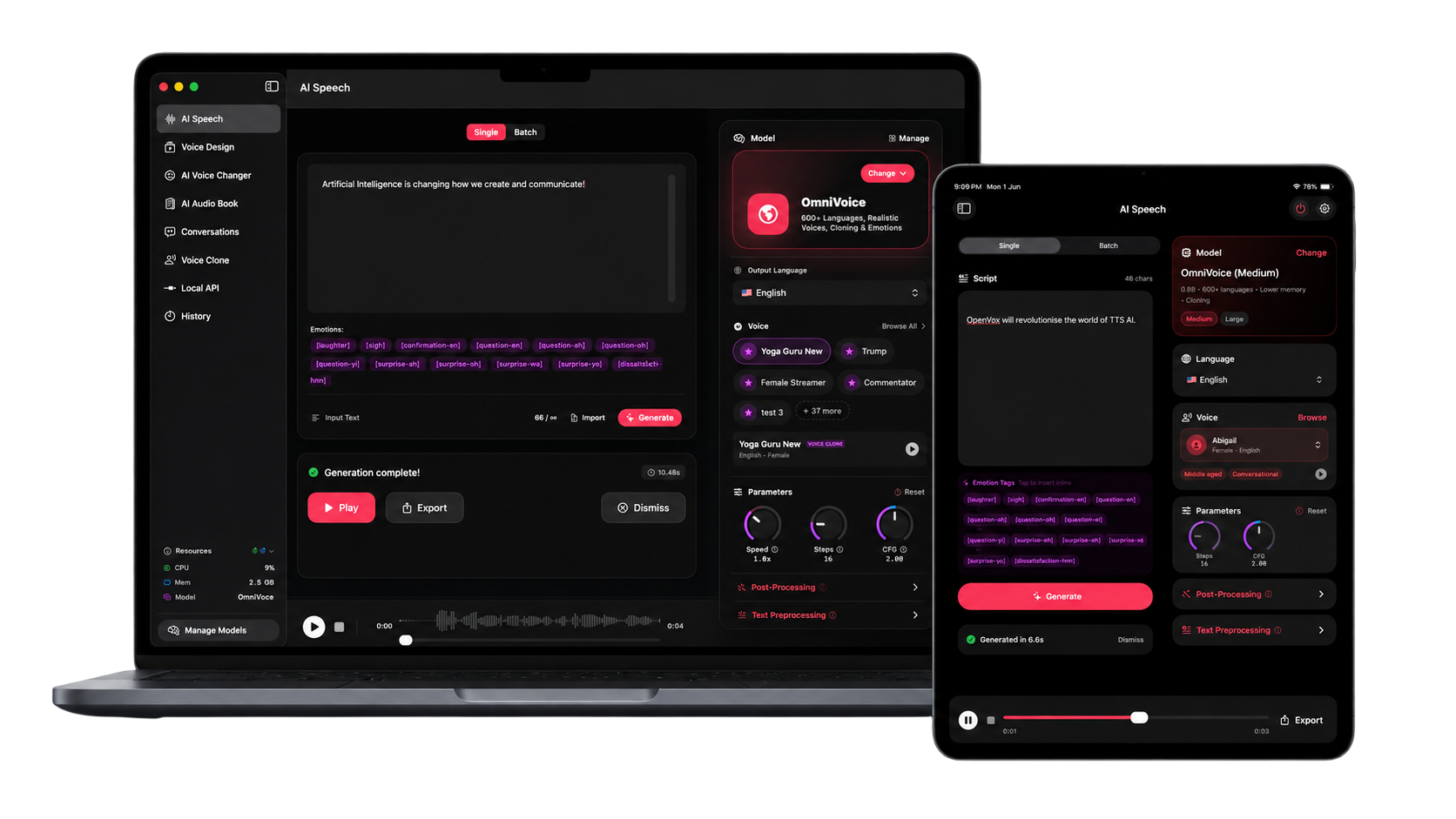
iPad
Native workflow
EPUB
PDF and text
Offline
After setup
How it works
Step 1
Bring in a script, PDF, EPUB, or text document.
Step 2
Balance voice quality with the memory available on your device.
Step 3
Create and export speech from a portable on-device workflow.
Why OpenVox AI
Keep scripts, voice samples, and generated audio on your iPad.
Turn EPUB, PDF, and text content into audio from a portable workflow.
Download free and upgrade inside the app when you need unlimited Pro usage.
Private local processing
Your scripts, voice samples, and generated audio never leave your device for core AI voice processing.
Common questions
Model speed and availability depend on the iPad chip and available memory. Check the pricing FAQ for current requirements.
Yes, core generation works offline after the required model files are downloaded.
No. The local API and MCP server are available on macOS and Windows.
How to Create Audiobooks Locally from PDF, EPUB, or Text
Turn PDF, EPUB, or text into local audiobooks on Mac or Windows and choose a narration model for the job.
Read guideVoice Cloning Ethics and Privacy: How to Use AI Voices Responsibly
A trust-focused guide to consent, privacy, and responsible synthetic voice use.
Read guide